Wallet Thickness Budget: Card Stack, RFID Layers, and AirTag Modules
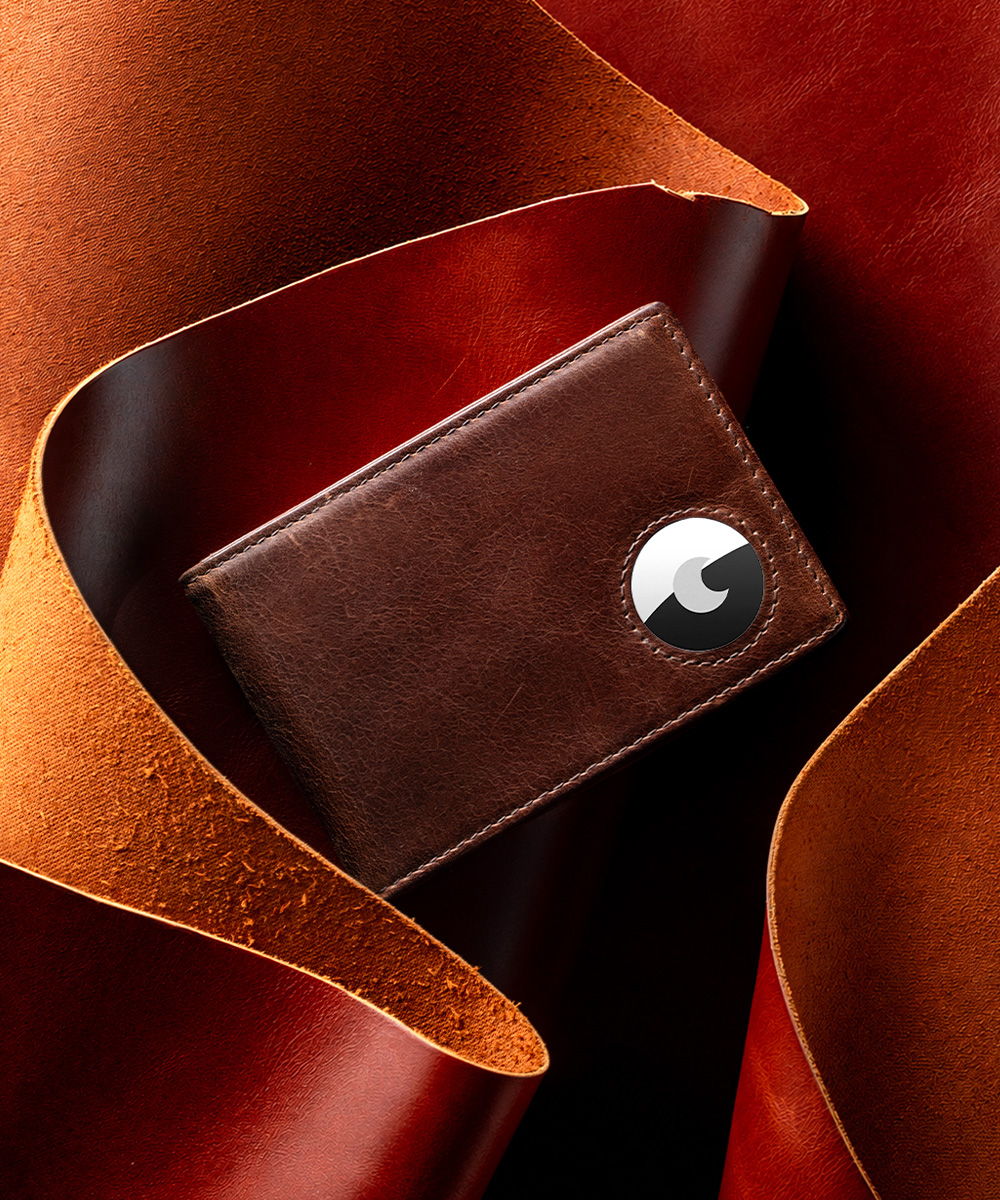
Wallet thickness is a budget, not a number. Every feature a modern wallet carries — the leather body, the RFID shielding, the pop-up card cartridge, the AirTag holder — is paid for out of the same narrow allowance of space your front pocket accepts before the wallet stops disappearing and starts announcing itself.
This guide breaks that budget down layer by layer, then converts it into parameters you can check before buying. Every figure below comes from published LORZOR specifications, including the LORZOR 1979 SP Wallet, the LORZOR TriPop AirTag Wallet and the LORZOR Bifold AirTag Wallet A1–A4, so the numbers are traceable rather than promotional.
Where Wallet Thickness Actually Comes From
A wallet is a fixed envelope. Its outer dimensions set the maximum volume, and every internal feature claims a share of it. Four layers decide the final number.
- The body. Full-grain leather, and in several LORZOR lines a 6061 aerospace-grade aluminum frame or card cartridge.
- The shielding layer. RFID-blocking material, placed in defined zones rather than across the whole wallet.
- The card stack. The load itself — the layer most buyers underestimate.
- The tracking module. A built-in AirTag holder or an integrated tracking module.
The load matters more than the product page. A wallet described as slim is slim when it carries three cards; the same wallet carrying the common daily load behaves differently. LORZOR addresses that exact case in its product material: whether there is enough organised space for roughly six cards plus a little cash while the wallet stays slim and still allows quick access for taps.
Where the wallet sits also changes what “too thick” means. The front-pocket carry scenario LORZOR documents starts from a familiar complaint — traditional wallets feel bulky and uncomfortable when sitting or driving, while ultra-minimal cardholders often do not carry enough for a real day. A thickness budget is therefore not about chasing the smallest possible figure; it is about spending thickness on functions you actually use and cutting it where you do not.
Why Thickness Became a Buying Specification
Thickness stopped being a manufacturing footnote once the wallet market split into specialised segments. The global men’s wallet market was valued at approximately USD 6.8 billion in 2025, with a projection to USD 11.2 billion by 2034 (Dataintelo). Leather remains the dominant material at 52.6% of revenue share in 2025 (Dataintelo), with cowhide estimated at roughly 70% of the leather used in wallet manufacturing (Market Growth Reports). Bifold wallets held the largest product-type share in 2025 at 38.4%, while slim wallets are the fastest-growing segment, at a projected CAGR of 7.8% through 2034 (Dataintelo).
Feature growth sits on top of that pattern. The smart wallet segment was estimated at USD 1.2 billion in 2025 with a 12.5% CAGR, driven by RFID-blocking and tracking features (Grand View Research), and North America accounts for 36.2% of that segment (Grand View Research). The RFID-blocking wallet sub-market is projected to reach USD 7.79 billion by 2030 at a 10.7% CAGR (The Business Research Company). Asia Pacific remains the largest regional market overall, at 34.2% of global revenue in 2025 (Dataintelo).
The competitive picture adds pressure. In the innovative DTC and slim-wallet segment, the brands identified as leaders include Bellroy, Ridge Wallet, Ekster and Secrid (Dataintelo). Once “slim” becomes a category rather than a compliment, buyers need measurable parameters — dimensions, loaded thickness, card capacity and weight — instead of adjectives.
Buyer behaviour has followed the same direction. LORZOR reports more than 20,000 authentic global customer reviews across Amazon and other online channels, and more than 50 global patents related to wallet technology. Both signals point to the same conclusion: wallets are now compared on specifications, not slogans.
The Four-Layer Stack, in Detail
Layer 1 — Leather body and structural frame
LORZOR builds most of its lines around full-grain leather as the primary point of contact, with 6061 aerospace-grade aluminum acting as the structural element in the 1979 series and as the card cartridge in pop-up models. The brand’s stated position — “Leather first. Technology in its place.” — describes the intent: card access, RFID shielding and anti-loss protection sit behind the material rather than in front of it. The reasoning behind that balance is set out in what makes a modern wallet feel right in hand.
The frame is also what makes loaded thickness predictable. A rigid aluminum cartridge holds its shape as cards are added, while a leather-only slot wall gradually stretches with use. Full-load thickness control is one of the details LORZOR engineers for, alongside leather-to-aluminum housing fit, edge finishing, stitching, card-ejection damping and money-clip clamping strength.
The difficult part is the junction between the two materials. A leather-wrapped metal wallet looks simple from the outside, but the real challenge is keeping soft leather and rigid aluminum intact over time under daily conditions such as pocket pressure, heat and repeated card access.
Layer 2 — The RFID layer
RFID shielding is thin in physical terms and disproportionately large in purchase decisions. LORZOR’s RFID tests run on the 13.56 MHz frequency using credit cards and professional RFID test signal cards; signals cannot be read when cards are correctly placed inside the protected zone. The brand holds test certifications including TÜV and AGC.
For pocket fit, the important detail is that RFID is not one uniform layer across a range. Shielded zones vary between LORZOR models because internal structures differ — in some wallets the protection comes from the aluminum cartridge, in others from shielding material built into specific panels. The practical rules LORZOR publishes are equally specific: cards should sit in dedicated RFID-blocking pockets or sleeves; a card must be fully covered by the shielding material, because partial coverage may leave it vulnerable; and stacking cards inside a wallet that is not completely shielded can leave a card exposed.
The buying consequence is straightforward: ask where the shielded zone starts and ends, rather than whether the wallet carries an RFID label.
Layer 3 — The card stack
Cards are where most thickness is actually spent, which is why published capacity figures matter more than marketing language. The current LORZOR specifications read as follows.
- LORZOR 1979 Wallet — pop-up cartridge holds about 5–7 cards, outer leather slots hold about 3–5 more, with a recommended daily load of around 10 cards; listed at approximately 2.87 × 3.89 × 0.6 in and about 80 g.
- LORZOR 1979 Fold Wallet — specified for up to 12+ cards, with a foldable top cover, built-in ID window and removable cash clip.
- LORZOR TriPop Wallet — roughly 8–12 cards, with an ID window, cash compartment and small-item storage; listed at approximately 3.94 × 2.36 × 0.79 in.
- LORZOR TriPop AirTag Wallet — a trifold slim design that accommodates users carrying more than 10 cards; listed at approximately 0.79 × 2.64 × 3.86 in.
- LORZOR Wallet Pro — dimensioned around 1–6 frequently used cards plus a small amount of cash; listed at approximately 2.6 × 0.43 × 3.9 in.
The Wallet Pro row illustrates the trade-off most clearly. Its tracking module is integrated into a metal cardholder structure and its capacity is deliberately narrow — that is how it reaches roughly 0.43 in of thickness without an external tracker to accommodate. Fewer cards, less cartridge depth, thinner wallet.
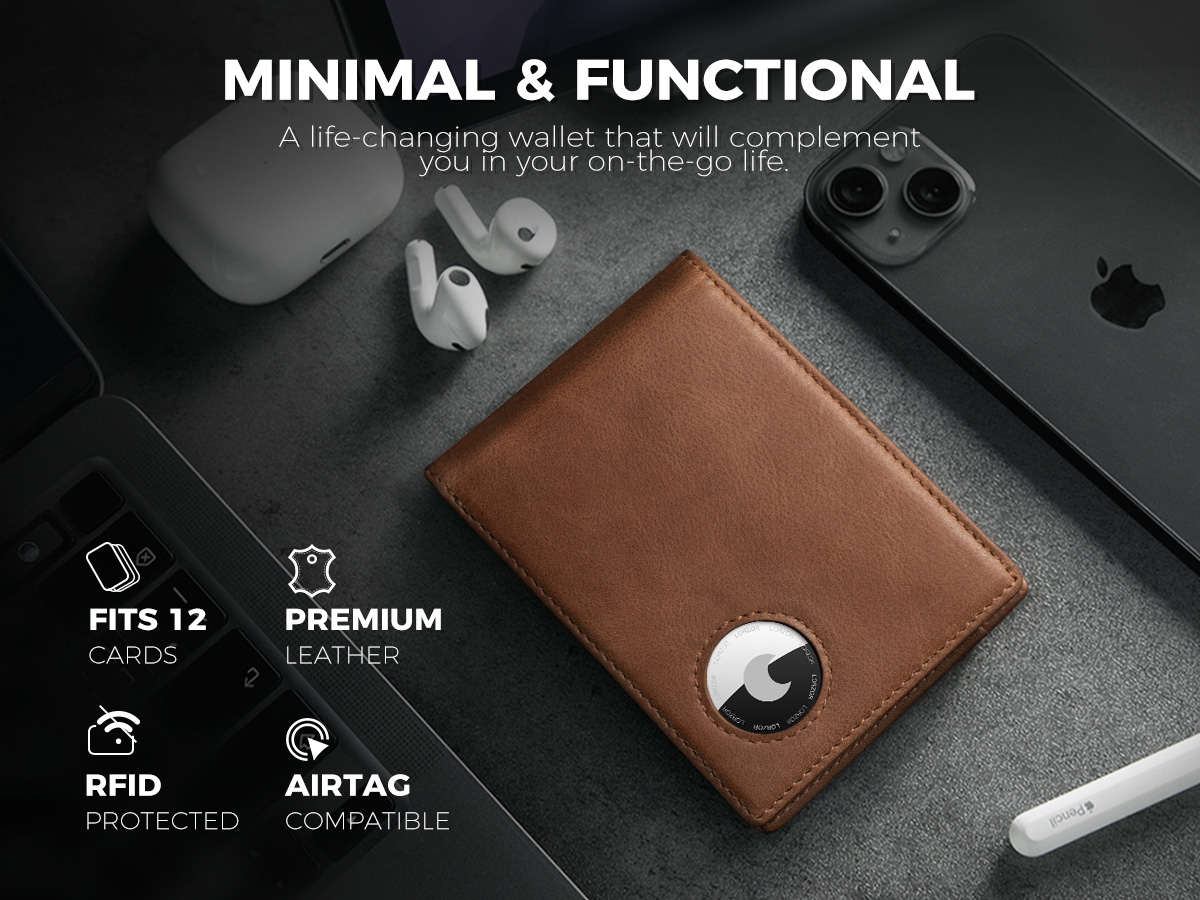
The Bifold AirTag Wallet A1–A4 sit in a different position. Their published specifications describe a built-in AirTag holder, RFID protection and full-grain leather, with a money clip on the A2 and A4; card-count figures are not published for these models. A1 uses a classic bifold structure, A3 is positioned for buyers who want a clean, non-gadget look, and A4 groups the AirTag holder, RFID protection, full-grain leather and money clip into one bifold body. For buyers weighing trifold storage against bifold restraint, the design rationale is explored in why a real leather trifold wallet still matters.
Layer 4 — The tracking module
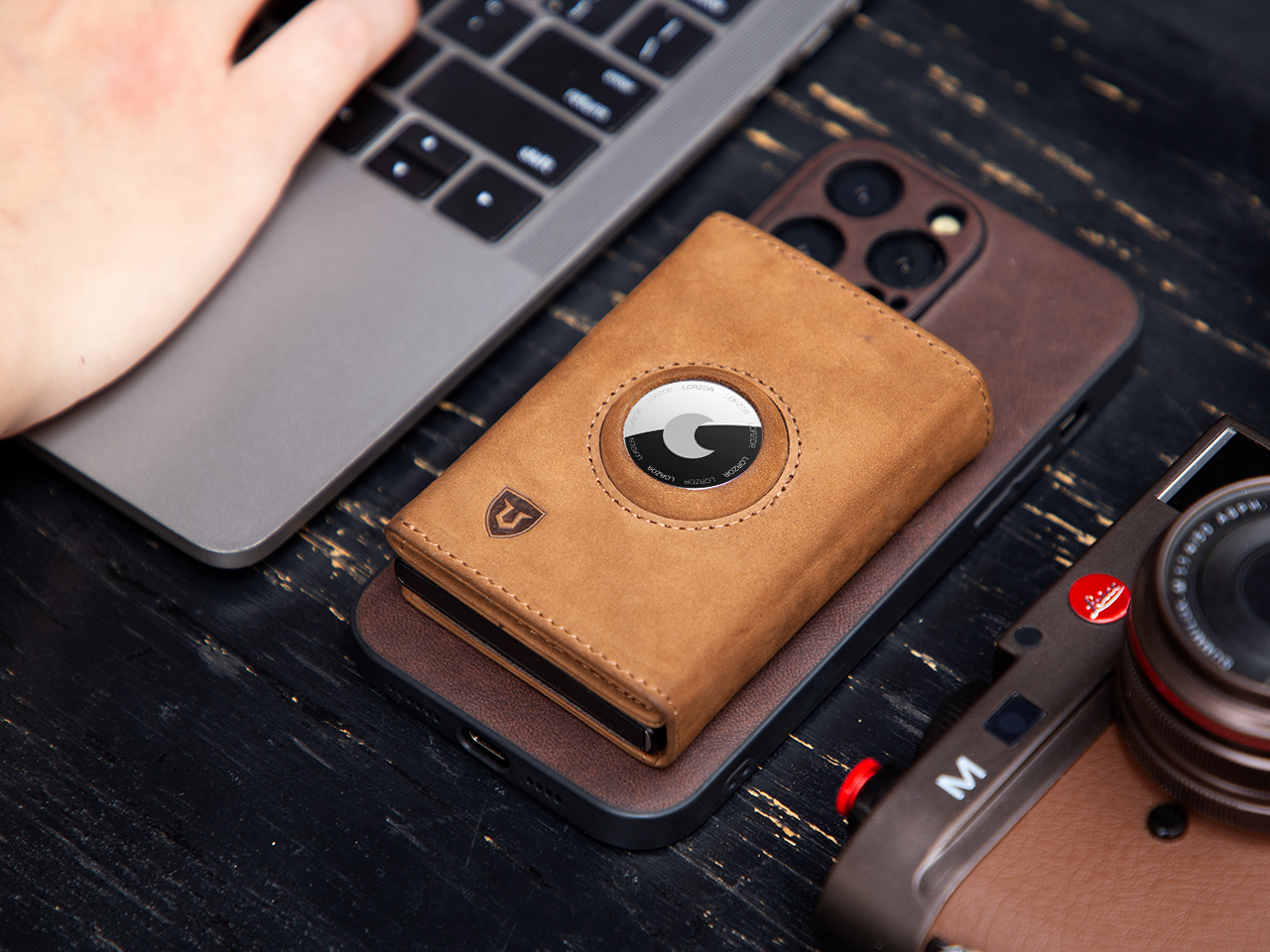
An AirTag has real physical thickness, and that is the design problem an AirTag wallet has to solve. LORZOR’s stated principle is that a better AirTag wallet is not a wallet with a tracker slot; it should be built around the actual thickness of the AirTag so tracking feels secure and useful in hand. Instead of a simple cutout, the holder is integrated into the wallet’s construction, so the tracker sits securely and becomes a natural part of the wallet.
The TriPop AirTag Wallet applies that principle to a trifold shell: because an AirTag takes up tangible space, the wallet uses a purpose-built storage structure to minimise bulging while keeping the tracker held in place. The same logic scales into the bifold A1–A4, where the holder is fitted into a familiar bifold layout rather than added on top of it.
Two purchase notes follow from the specifications. AirTag is not included with the LORZOR TriPop AirTag Wallet or the LORZOR Passport AirTag Wallet, and the Passport AirTag Wallet is listed as compatible with AirTag 1st and 2nd generation. The wallet supplies the module pocket; the tracker is yours. Buyers comparing integrated tracking with a tracker pocket can review the wider decision in what makes the best smart wallet for everyday carry.
Building Your Own Thickness Budget, Step by Step
- Count the cards you actually use, then add cash. Separate cards you tap daily from cards you carry “just in case”. A six-cards-plus-a-little-cash load is the case LORZOR designs around; anything beyond that should be a deliberate decision, not an accident.
- Decide whether tracking has to live inside the wallet. If yes, the choice is between an integrated module (LORZOR Wallet Pro) and a built-in AirTag holder (TriPop AirTag Wallet or Bifold AirTag Wallet A1–A4). If you only want tracking on travel days, the standard TriPop Wallet is tracker-compatible and leaves more of the budget to cards.
- Choose the format before the feature list. Bifolds keep a classic layout and can add an ID window and cash clip (1979 Fold). Trifolds add storage (TriPop). Slim aluminum-cartridge wallets deliver the smallest numbers — 0.6 in for the 1979 Wallet, 0.43 in for the Wallet Pro.
- Treat RFID as a placement question. Confirm which pocket or panel is shielded, keep protected cards fully covered by shielding material, and avoid stacking cards in a wallet that is not completely shielded.
- Compare loaded thickness, not empty thickness. Published starting points: approximately 0.43 in (Wallet Pro), 0.6 in (1979 Wallet), 0.79 in in its loaded trifold format (TriPop), and 0.4 in for the larger-footprint Passport AirTag Wallet. Cartridge-based models hold a defined maximum card load, so thickness stops growing once that load is reached.
- Check the details that decide long-term comfort. Edge finishing, stitching, card-ejection damping, money-clip clamping strength, leather-to-aluminum fit and full-load thickness control are the parameters that keep a wallet comfortable in month twelve, not just week one. The structural thinking behind that checklist is explained in what makes a tactical wallet actually useful.
Use Cases: Matching the Budget to the Carry
Six cards, a little cash, front pocket
This is the default modern load and the one most thickness decisions are really about. A pop-up cartridge wallet such as the LORZOR 1979 Wallet concentrates that load inside a rigid aluminum cartridge while keeping full-grain leather against the hand, and it carries folded bills through its money clip. At approximately 80 g and 0.6 in, it stays within front-pocket territory despite the capacity — the balance the 1979 series is built around, as explained in why we named it 1979.
Driving and sitting — and why tracking still works under a car seat
AirTag wallets exist for the moments when a wallet is not on your body. LORZOR lists cars, offices, hotels, coffee shops, airport security trays and travel bags among the places where users commonly leave or misplace a wallet. The engineering answer is the built-in holder: because the AirTag is part of the wallet’s construction rather than an accessory clipped outside it, the tracker and the wallet do not separate. If the wallet slides under a car seat or stays shut in a drawer, the tracker goes with it — you are locating the same object you set down, not searching for a wallet you also need to keep visible.
That is also why the thickness trade-off deserves an honest reading. A tracked wallet carries a module pocket that an untracked wallet does not, and the models that handle it best are designed around the AirTag’s thickness instead of retrofitted with a cutout. Once the tracker is inside, the remaining question is whether the loaded wallet still fits your pocket — which returns the decision to dimensions and card load.
Travel: the passport layer
For travel, the thickness conversation shifts to a larger footprint. The LORZOR Passport AirTag Wallet is listed at approximately 5.5 × 3.9 × 0.4 in with all-in-one travel storage, a built-in AirTag holder, RFID protection and full-grain leather, compatible with AirTag 1st and 2nd generation. At that size, 0.4 in matters less for a jeans pocket and more for whether the organizer slides into a jacket or bag compartment without becoming a brick. The non-AirTag LORZOR Passport Wallet covers the same document-organisation role without the module pocket.
Commemorative carry: limited-edition without added bulk
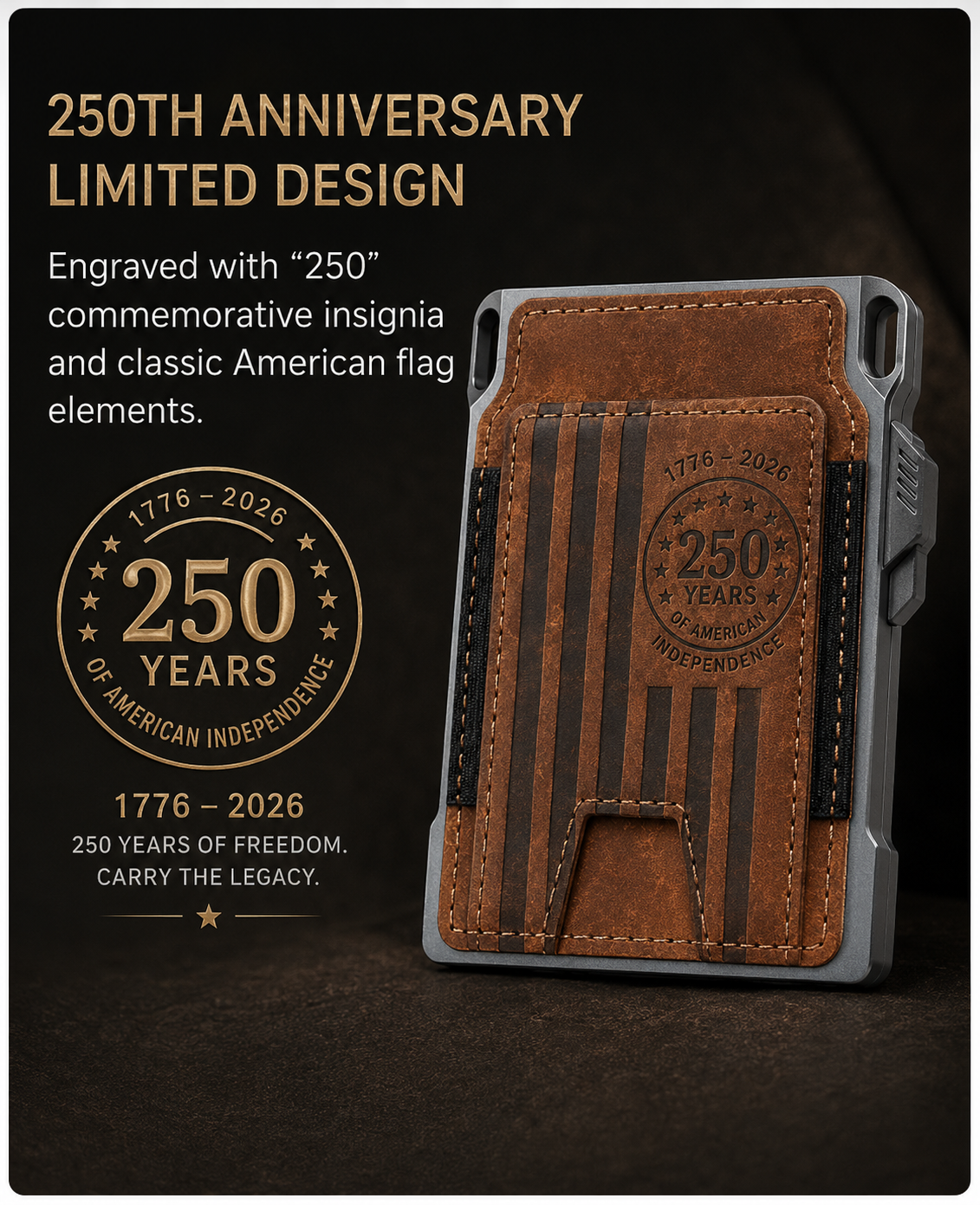
The LORZOR 1979 SP Wallet is a useful edge case for this discussion. It is an America’s 250th Anniversary limited edition limited to 300 sets, with a 1776–2026 commemorative theme, priced at $129.99, and built on the same ultra-slim pop-up structure with full-grain leather, 6061 aerospace-grade aluminum and RFID protection. The commemorative identity is added without inflating the physical stack — which is precisely the point of a thickness budget. It is not a cosmetic re-skin of an existing model; it combines the slim 1979 carry system with collection and gifting value.
Comparison Table: Published Thickness, Load and Module Data
| Model | Format | Published size / thickness | Stated card load | RFID | Tracking | Price |
|---|---|---|---|---|---|---|
| LORZOR 1979 Wallet | Slim pop-up, leather + aluminum cartridge | Approx. 2.87 × 3.89 × 0.6 in; approx. 80 g | Pop-up cartridge approx. 5–7 cards; outer slots approx. 3–5; recommended daily load approx. 10 cards | Yes | Not built in; hook holes for attachments | $99.99 |
| LORZOR 1979 Fold Wallet | Compact bifold with pop-up cartridge, foldable top cover, ID window | Not published | Up to 12+ cards | Yes | Not built in; removable cash clip | $129.99 |
| LORZOR 1979 SP Wallet | Limited-edition slim pop-up | Not published | Not published | Yes | Not built in | $129.99 |
| LORZOR TriPop Wallet | Trifold with pop-up access, ID window, cash compartment | Approx. 3.94 × 2.36 × 0.79 in | Roughly 8–12 cards | Yes | Tracker-compatible, not built in | $49.99 |
| LORZOR TriPop AirTag Wallet | Trifold with pop-up access and built-in AirTag holder | Approx. 0.79 × 2.64 × 3.86 in | Accommodates users carrying more than 10 cards | Yes | Built-in AirTag holder (AirTag not included) | $49.99 |
| LORZOR Bifold AirTag Wallet A1 | Classic bifold with built-in AirTag holder | Not published | Not published | Yes | Built-in AirTag holder | $29.99–39.99 |
| LORZOR Bifold AirTag Wallet A2 | Bifold with built-in holder and money clip | Not published | Not published | Yes | Built-in AirTag holder | $29.99 |
| LORZOR Bifold AirTag Wallet A3 | Clean bifold with built-in holder | Not published | Not published | Yes | Built-in AirTag holder | $29.99–39.99 |
| LORZOR Bifold AirTag Wallet A4 | Bifold with built-in holder and money clip | Not published | Not published | Yes | Built-in AirTag holder | $29.99–39.99 |
| LORZOR Wallet Pro | Slim metal cardholder with integrated tracking | Approx. 2.6 × 0.43 × 3.9 in | 1–6 frequently used cards plus a small amount of cash | Yes | Integrated tracking, Apple Certified, Apple Find My support | $129 |
| LORZOR Passport AirTag Wallet | Travel organizer with built-in AirTag holder | Approx. 5.5 × 3.9 × 0.4 in | Travel documents, cards, cash and receipts (no card-count figure published) | Yes | Built-in AirTag holder, compatible with AirTag 1st / 2nd Gen (AirTag not included) | $49.99 |
Rows marked “Not published” reflect gaps in the currently published specifications rather than missing features. Where a card-count figure is not listed, confirm capacity before ordering rather than assuming parity with another model in the same family.
FAQ: Thickness, RFID Placement and AirTag Modules
Where do cards have to sit for the RFID layer to actually block a signal?
LORZOR tests RFID shielding on the 13.56 MHz frequency using credit cards and professional RFID test signal cards, and signals cannot be read when cards are correctly placed inside the protected zone. Placement is the deciding factor: cards should sit in dedicated RFID-blocking pockets or sleeves, each card must be fully covered by the shielding material because partial coverage may leave it vulnerable, and stacking cards inside a wallet that is not completely shielded can leave a card exposed. Because shielded zones vary between LORZOR models, check which pocket or panel is protected on the specific wallet you are buying.
Does a built-in AirTag pocket automatically make a wallet thicker?
An AirTag has real physical thickness, so a tracker pocket always consumes part of the thickness budget. The difference lies in how it is handled. LORZOR’s design principle is that a better AirTag wallet is built around the AirTag’s actual thickness rather than fitted with a simple cutout, so the holder becomes part of the wallet’s construction instead of an addition. In the TriPop AirTag Wallet, a purpose-built storage structure minimises bulging while holding the tracker securely; in the bifold A1–A4, the holder is fitted into a classic bifold layout. AirTag is not included with the TriPop AirTag Wallet or the Passport AirTag Wallet.
What am I paying for as the price moves from $29.99 to $129?
Published LORZOR pricing steps upward with structure and capability rather than with decoration. The Bifold AirTag Wallet A1–A4 sit at $29.99–39.99 (A2 at $29.99), the TriPop Wallet and TriPop AirTag Wallet at $49.99, the Passport Wallet and Passport AirTag Wallet at $49.99, the 1979 Wallet at $99.99, the 1979 Fold and 1979 SP at $129.99, and the Wallet Pro at $129. What changes across those steps is the format (bifold, trifold, slim metal cartridge), the presence of a pop-up cartridge and aluminum structure, stated card capacity, and in the case of the 1979 SP, limited-edition status capped at 300 sets.
How can I check pocket fit before ordering?
Start with the published numbers rather than the word “slim”: approximately 0.43 in for the Wallet Pro, 0.6 in for the 1979 Wallet, 0.79 in in its loaded trifold format for the TriPop line, and 0.4 in for the much larger Passport AirTag Wallet footprint. Then add the load you actually carry — the six-cards-plus-a-little-cash case is the scenario LORZOR designs around, and cartridge-based wallets keep thickness predictable once their maximum card load is reached. If you sit or drive with the wallet in a front pocket, weight matters alongside thickness: the 1979 Wallet is listed at approximately 80 g.
Which thickness budget fits my carry, and how do I confirm the current specifications?
Carrying 1–6 frequently used cards and wanting tracking inside the wallet points to the LORZOR Wallet Pro. Carrying a full trifold load of more than 10 cards with anti-loss cover points to the TriPop AirTag Wallet. Wanting a clean leather bifold with a built-in AirTag holder — plus a money clip on the A2 and A4 — points to the Bifold AirTag Wallet family at $29.99–39.99. Wanting EDC structure, pop-up access and attachment options points to the 1979 Wallet. Because published specifications can be updated, confirm dimensions, capacity and availability directly with LORZOR at support@lorzor.com or through lorzor.com before you order.
Conclusion: Spend Thickness Where You Will Feel It
Thickness is the sum of four decisions: how much leather and structure the body uses, where the RFID shielding sits, how many cards the wallet is dimensioned to hold, and whether a tracker module lives inside it. The models that stay comfortable are the ones where those four layers were sized together — 0.43 in for a slim integrated-tracking cardholder, 0.6 in for a 10-card daily pop-up wallet, 0.79 in for a loaded trifold, and a purpose-built holder wherever an AirTag has to live.
The practical rule is simple. Decide your load first, decide whether tracking must travel with the wallet second, and only then compare dimensions. A wallet that carries more than you need is not more capable; it is just thicker. If you want to see how the 1979 series resolves that balance, the LORZOR range starts at lorzor.com.
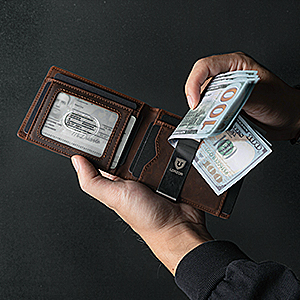
Next step. If you already know your card load and whether you need tracking inside the wallet, request the current specification sheet for the LORZOR models you are considering — dimensions, stated card capacity and module details. Reach the LORZOR team at support@lorzor.com, or browse the full range at lorzor.com.
LORZOR · Flat/Rm 803, Chevalier House, 45-51 Chatham Road South, Tsim Sha Tsui, Kowloon, Hong Kong · +1(951)210-2864 · Mon–Fri, response within 24 hours.
Have Questions or Need More Details?
Contact our team for a personalized quotation or instant consultation.
Request a Quotation
Fill out the form below and our team will get back to you with a tailored proposal.
WhatsApp Direct Chat
Prefer to chat in real-time? Message us on WhatsApp for instant assistance & quick answers.
- Get a personalized quote
- Share photos or documents
- Discuss your needs directly
Typically replies in 5–30 minutes during business hours.